
Reporting with photos
Report a fault with photos, straight from the floor
A photo taken the moment someone spots the problem beats a written message three hours later. The technician turns up knowing what is waiting, with the right tool and the right part. Show it rather than describe it.
- Photos on the report
- From the floor
- At the right location
- Before and after
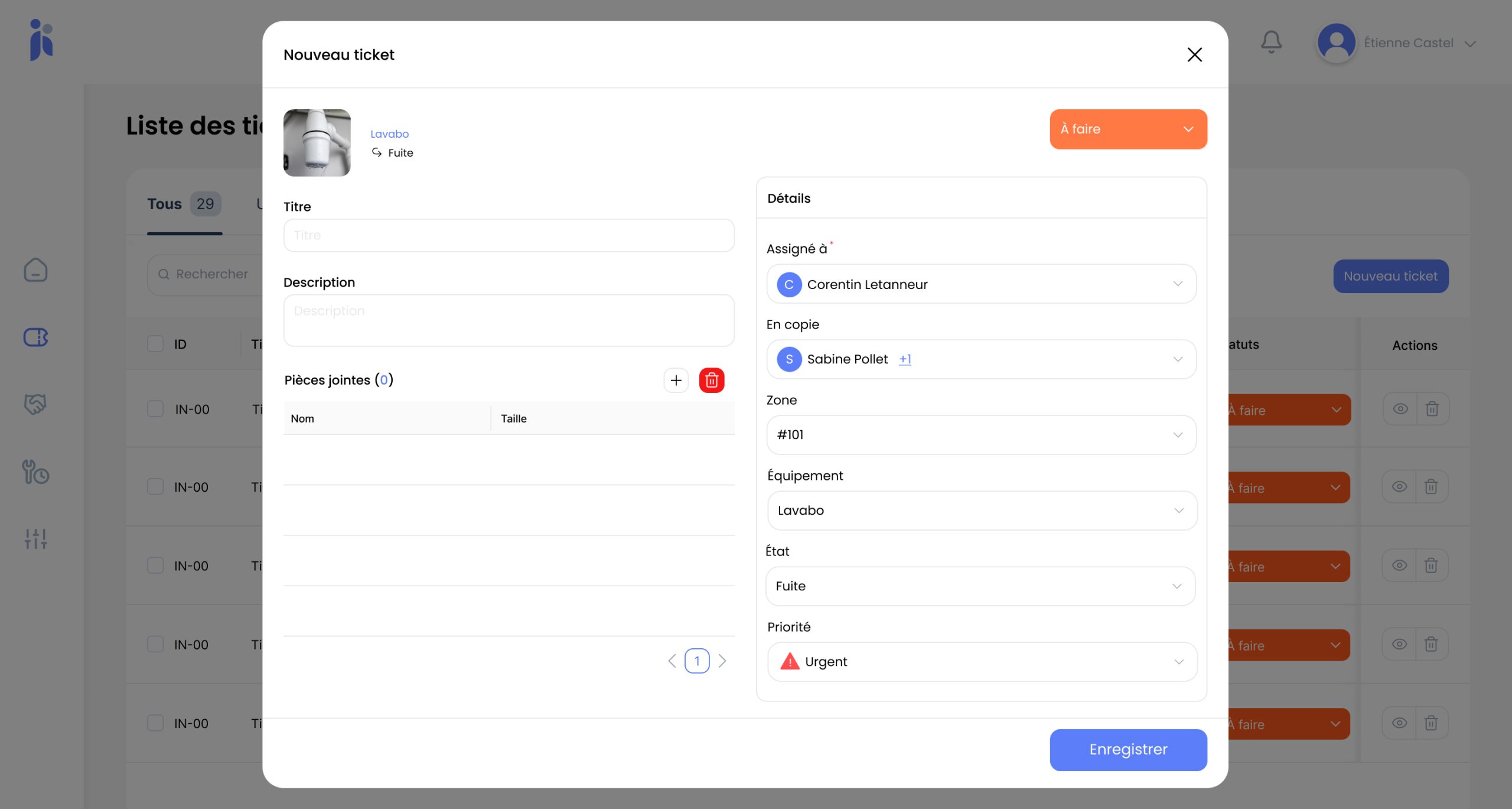
"There is a problem in room 214" is not enough to prepare a job
The technician goes up, takes a look, comes back down for the tool, goes up again. Two round trips for information that would have fitted in a photo.
In a hotel, faults are almost always reported by someone whose job this isn't: a room attendant, a receptionist, a waiter. You can't ask them for a technical diagnosis, but you can ask them for a photo. It is the only way to pass on what you can't put a name to: a damp patch, a crack, a broken part nobody knows the word for.
The words nobody has
You can't describe a part when you don't know what it is called. A photo sidesteps the problem.
The wasted round trip
With no picture, the technician discovers the fault on arrival and walks back for whatever it takes to fix it.
Doubt when the job is closed
With no before and after, an argument about the quality of a repair comes down to one person's word against another's.
What visual reporting makes possible
A photo isn't decoration: it changes what the technician knows before setting off.
-
One photo or several on every report
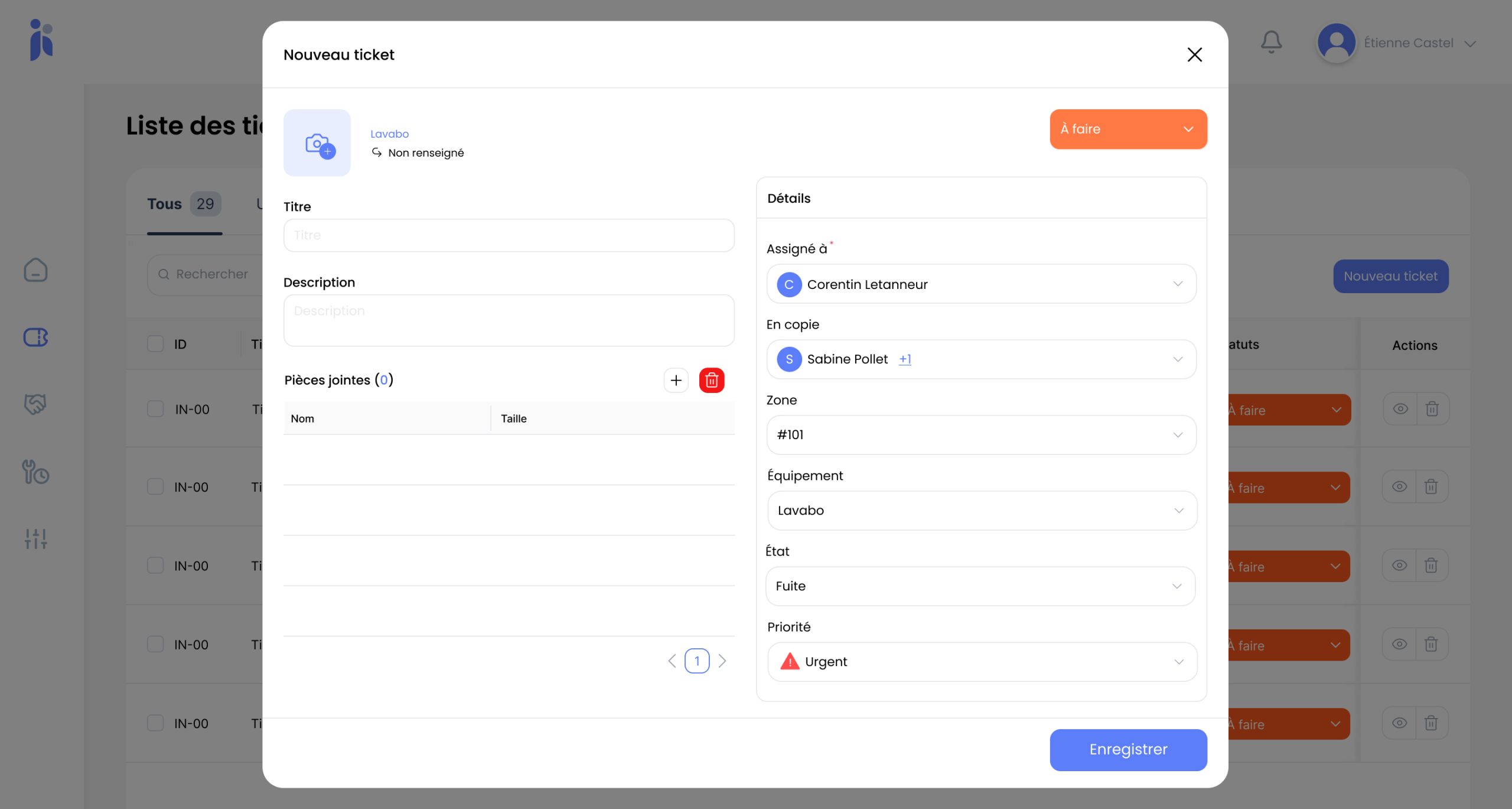
Taken on the phone, at the moment the fault is spotted. Several angles beat a single shot when the problem isn't obvious: the wide view places it, the close-up diagnoses it.
-
Raised from the floor
No need to walk back to a desk: the report is created where the problem is, at the end of a round or between two rooms.
-
Attached to the right place
The photo travels with a precise location (building, floor, area, room) and with the asset concerned. One without the other still leaves someone hunting.
-
A before and an after
One photo when the fault is reported, another when it is fixed: the repair is evidenced, and the equipment's history gains a dated visual record.
From spotting the fault to a work order ready to action
The point is to make reporting quicker than telling someone about it.
-
Equip the people who see the problems
Head housekeepers, room attendants, reception: they are the ones who find 80% of faults.
-
The fault is photographed on the spot
One gesture, while the problem is still in front of you. That is when a report is at its most accurate.
-
The location is picked from the tree
The room, the area, the asset. The technician knows where to go without ringing round to ask.
-
The ticket goes out with its full context
Photo, description, location, priority. The job is prepared before anyone sets off.
-
The fix is documented in turn
A closing photo signs the job off and feeds the asset's history.
What you gain
Fewer round trips. The technician sets off with the right tool and the right part.
Reports you can act on. The photo makes up for the technical vocabulary your staff have no reason to know.
Sounder diagnoses. A picture takes the guesswork out of a vague description.
Repairs you can prove. Before and after settles any discussion about the quality of a job.
A richer history. Each asset keeps dated visual records that still pay off years later.
Staff who report more. When raising a fault takes ten seconds, people raise it instead of letting it slide.
Frequently asked questions
Do staff need training to report properly?
Very little. The whole point of a photo is that it asks for nothing technical: you show what you see. The one habit to build is picking the right location in the tree, and that takes a few minutes to pass on.
Does it work on employees' own phones?
That is a question for your management and your staff representatives rather than a technical one. Many properties issue a shared device per department to the key posts, which settles the debate and makes sure the tool is to hand during service.
What about taking photos in guest areas?
The simplest rule is to photograph the equipment rather than the room, and never to frame a person. In an occupied room, the report waits until the guest has left unless it is urgent. Set that as a house rule from day one.
Do photos slow the app down?
They are attached to the ticket and opened on demand. In practice the volume that counts is the number of reports, not the images, and a photo taken at the right moment is worth far more than the storage question.
Can a fault be reported without a photo?
Yes, it is never compulsory. Some incidents describe themselves perfectly well: a blown bulb needs no picture. The photo earns its place when the problem is hard to name or hard to locate.
How do you avoid duplicate reports?
Open tickets can be checked before raising a new one: for a given area, you can see what has already been reported. Duplicates still happen, but they cost far less than a fault nobody reported for fear of duplicating one.
Explore further
More on reporting faults, assigning them and following the work through.
Let us look at how faults reach you today
Thirty minutes on your reporting chain and your floor teams. No commitment.